

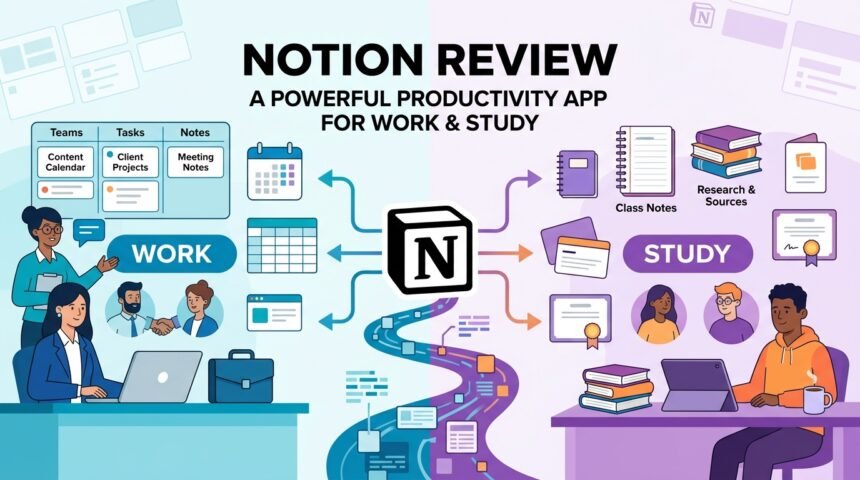
Notion has become one of the most popular productivity applications for individuals, students, and businesses. It combines note-taking, task management, project planning, databases, and collaboration tools into a single platform. Instead of using multiple apps for different tasks, users can organize everything in one workspace. This review explores Notion’s features, performance, usability, and whether it is the right productivity software for your needs.
User Interface And Ease Of Use
Notion offers a clean and customizable interface that allows users to create pages, databases, checklists, calendars, and documents with ease. The drag-and-drop editor makes organizing information simple, even for beginners.
Although the platform offers many advanced features, new users can start with ready-made templates that simplify project management and note organization.
Features And Functionality
One of Notion’s biggest strengths is its flexibility. Users can create personal planners, meeting notes, project boards, knowledge bases, content calendars, and task lists within the same workspace.
The software also supports file attachments, tables, kanban boards, calendars, reminders, and collaboration tools, making it suitable for both personal and professional use.
Collaboration And Teamwork
Notion makes teamwork easier by allowing multiple users to edit documents in real time. Team members can leave comments, assign tasks, and share project updates without switching between different applications.
This collaborative environment helps businesses, students, and remote teams stay organized while improving communication and workflow.
Performance And Compatibility
Notion is available on Windows, macOS, Linux, Android, iPhone, and through any modern web browser. Data automatically syncs across devices, allowing users to continue their work from anywhere.
The application performs smoothly during everyday use, although very large workspaces with extensive databases may load slightly slower on older devices.
Advantages And Limitations
Notion provides an all-in-one workspace with excellent customization options, collaboration features, and cross-platform support. Its flexible design makes it useful for students, freelancers, content creators, and businesses.
However, because of its wide range of features, beginners may need some time to learn advanced functions and workspace organization.
Is Notion Worth Using
Notion is an excellent productivity application for users looking to combine note-taking, task management, project planning, and collaboration in one platform. Its flexibility allows individuals and teams to customize their workspace according to their needs.
Regular updates and an active development team continue to improve the platform, making it one of the strongest productivity solutions available today.
FAQs
What Is Notion Used For
Notion is used for note-taking, project management, task tracking, documentation, collaboration, and knowledge management.
Is Notion Free
Yes, Notion offers a free plan along with premium plans that provide additional features for individuals and teams.
Can Teams Use Notion
Yes, Notion supports real-time collaboration, shared workspaces, comments, and task assignments for teams.
Does Notion Work On Mobile Devices
Yes, Notion is available for Android and iPhone, and it also works on Windows, macOS, Linux, and web browsers.
Who Should Use Notion
Notion is ideal for students, professionals, freelancers, businesses, and anyone looking for an organized digital workspace.
Conclusion
Notion stands out as one of the most versatile productivity applications available today. Its combination of note-taking, project management, collaboration, and customization makes it suitable for a wide range of users. Whether you need a personal planner, business workspace, or team collaboration platform, Notion offers a reliable and feature-rich solution that continues to improve with every update.