





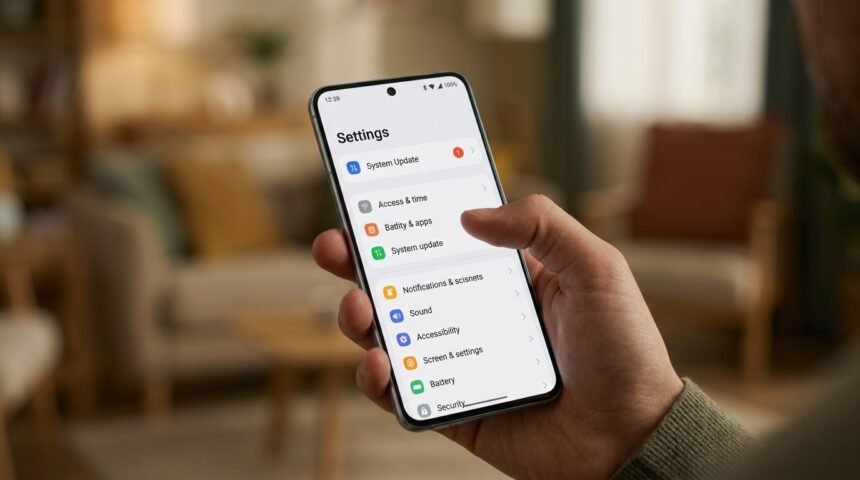
Smartphones have become essential tools for communication, work, entertainment, and online banking. However, over time they may become slower due to unnecessary apps, full storage, outdated software, or background processes. Security is also a growing concern as cyber threats continue to target mobile devices. By following a few simple maintenance practices, you can improve your smartphone’s performance while keeping your personal information safe.
Keep Your Operating System Updated
Software updates include important security patches, bug fixes, and performance improvements. Installing the latest version of your smartphone’s operating system helps protect your device from newly discovered vulnerabilities.
Enable automatic updates whenever possible to ensure your phone always receives the latest security improvements.
Remove Unused Apps
Many applications continue running in the background even when they are not actively being used. These apps consume storage, memory, and battery life, which can reduce overall device performance.
Review your installed applications regularly and uninstall apps that you no longer need.
Manage Storage Space
A nearly full storage drive can slow down your smartphone. Delete unnecessary files, duplicate photos, old videos, and unused downloads to free up valuable storage space.
You can also move large files to cloud storage services to keep your device organized and improve performance.
Enable Strong Security Features
Protect your smartphone with a strong PIN, password, fingerprint, or facial recognition. These authentication methods prevent unauthorized access if your device is lost or stolen.
You should also enable two-factor authentication for important apps such as email, banking, and cloud storage accounts.
Download Apps From Trusted Sources
Only install applications from official app stores such as Google Play Store or Apple App Store. Third-party app stores may contain modified or malicious applications that can compromise your security.
Before installing any app, check its reviews, developer information, and requested permissions.
Back Up Your Data Regularly
Regular backups ensure that your contacts, photos, videos, documents, and important settings can be restored if your smartphone is lost, damaged, or reset.
Use built-in cloud backup services or trusted backup applications to keep your information safe.
FAQs
Why Does My Smartphone Become Slow
A smartphone may slow down because of limited storage, outdated software, too many background apps, or accumulated temporary files.
How Often Should I Update My Phone
Install updates as soon as they become available to improve both security and performance.
Is It Safe To Install Apps From Third-Party Websites
No. Downloading apps only from official app stores reduces the risk of malware and security threats.
Why Is Smartphone Backup Important
Backups protect your important files and make it easier to recover data if your device is lost or damaged.
How Can I Improve Smartphone Security
Use strong authentication methods, keep software updated, install trusted apps, enable two-factor authentication, and back up your data regularly.
Conclusion
Keeping your smartphone fast and secure requires regular maintenance and smart security habits. Updating software, removing unused apps, managing storage, enabling strong authentication, downloading apps from trusted sources, and backing up important data can greatly improve both performance and security. Following these best practices will help extend the life of your smartphone while protecting your personal information from modern digital threats.