




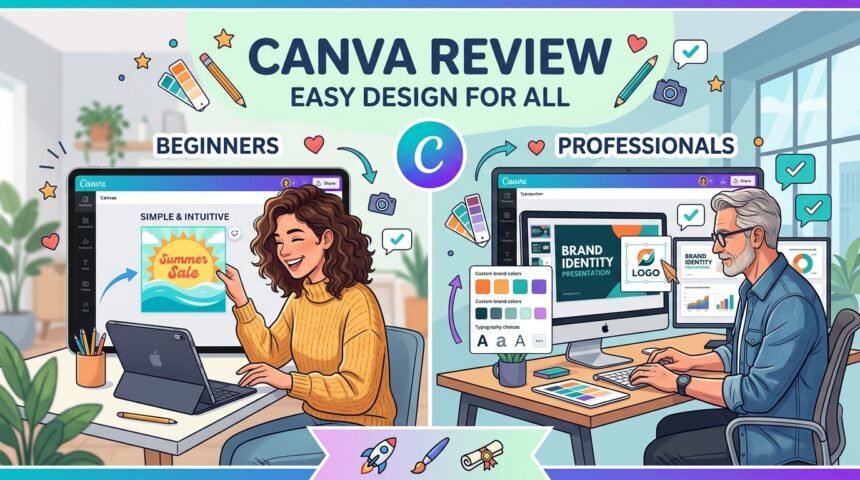
Canva has become one of the most popular online graphic design platforms for creating social media posts, presentations, logos, posters, business cards, and marketing materials. Its simple drag-and-drop interface makes professional-looking designs accessible to everyone, regardless of design experience. With thousands of templates, design elements, and collaboration features, Canva is widely used by students, content creators, businesses, and marketing professionals. This review explores its features, usability, performance, and overall value.
User Interface And Ease Of Use
Canva is designed with simplicity in mind. The dashboard is clean and intuitive, allowing users to create designs without learning complex graphic design software. Templates are organized into categories, making it easy to find the right design for any project.
The drag-and-drop editor enables users to customize text, images, colors, and layouts quickly, making the design process smooth even for beginners.
Features And Design Tools
Canva offers a wide range of design tools, including photo editing, background removal, text effects, animations, icons, charts, and branding features. Users can also upload their own images and create custom templates.
Thousands of ready-made templates help users design presentations, resumes, social media graphics, YouTube thumbnails, flyers, invitations, and business documents within minutes.
Collaboration And Cloud Storage
One of Canva’s strongest features is real-time collaboration. Team members can edit projects together, leave comments, and share feedback without downloading files.
Because Canva is cloud-based, projects are automatically saved and can be accessed from any supported device with an internet connection.
Performance And Compatibility
Canva works smoothly in modern web browsers and also provides dedicated applications for Windows, macOS, Android, and iOS. The platform loads quickly and handles most design projects without performance issues.
Users can export their designs in multiple file formats, including PNG, JPG, PDF, MP4, and SVG, depending on the selected plan.
Advantages And Limitations
Canva offers an easy learning curve, a large template library, cloud storage, collaboration features, and cross-platform compatibility. It is an excellent choice for users who need professional-quality designs without advanced design skills.
However, some premium templates, graphics, and advanced editing tools require a paid subscription, which may limit access for free users.
Is Canva Worth Using
Canva is an excellent graphic design platform for beginners, students, entrepreneurs, marketers, and businesses. Its combination of simplicity, powerful features, and cloud-based collaboration makes it suitable for a wide variety of creative projects.
Whether creating personal designs or professional marketing materials, Canva provides an efficient and user-friendly experience.
FAQs
What Is Canva Used For
Canva is used to create social media graphics, presentations, posters, logos, resumes, business documents, and marketing materials.
Is Canva Free
Yes, Canva offers a free version along with premium subscription plans that unlock additional templates and advanced features.
Can Teams Collaborate In Canva
Yes, Canva supports real-time collaboration, allowing multiple users to work on the same design simultaneously.
Does Canva Work On Mobile Devices
Yes, Canva is available for Android, iPhone, Windows, macOS, and web browsers.
Who Should Use Canva
Canva is suitable for students, teachers, content creators, freelancers, marketers, small businesses, and anyone interested in creating professional designs.
Conclusion
Canva has earned its reputation as one of the best online graphic design tools by combining ease of use with powerful creative features. Its extensive template collection, cloud-based collaboration, and cross-platform compatibility make it a valuable solution for both personal and professional projects. For users looking to create high-quality designs quickly and efficiently, Canva remains one of the strongest choices available.